



Create icons by dragging images to this box
ToYcon is a lightweight application with which you'll be able to convert any image or photo into an icon. If you usually work with icons, this tool will allow you to create files in ICO format by simply dragging images to the ToYcon interface. You'll be able to configure the program to create icons with a specific tool and to save them in the folder that you indicate.
Try out ToYcon and create your icons in a quick and simple manner
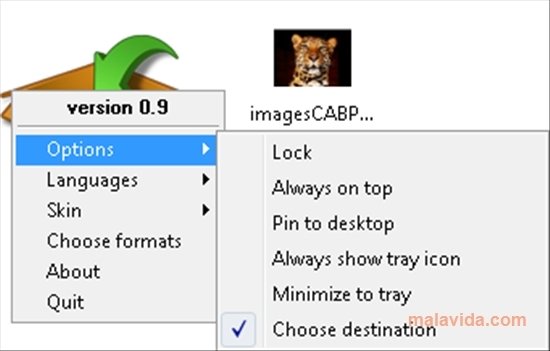
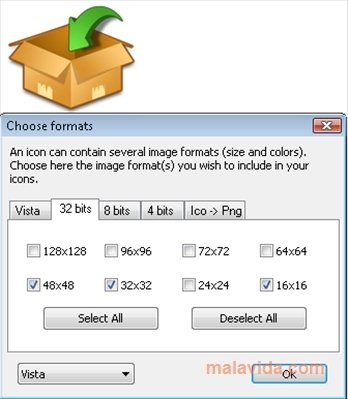
When you launch the application, a box will appear on the desktop. All the images that you drag to the box will become icons. Before starting to use ToYcon you should choose the size, the kind of conversion and the quality of the icon. You can also select the folder where the created icons will be stored.
ToYcon can also do the opposite conversion, in other words, convert an ICO image into a PNG file. The formats supported by ToYcon are BMP, PNG, JPEG, TGA, and GIF. Furthermore, ToYcon doesn't require installation, so you'll be able to use it from a USB pendrive, for example.
Requirements and additional information:
- This download requires a ZIP compatible compressor.
 Leticia Sorivella
My name is Leticia. I really like movies, television, and music. That is why I studied Audiovisual Communication. In the beginning, I wanted to work in movies, but I ended up on television. Then, I went from being behind the cameras to being in...

Antony Peel